Download Team members, Leave records, Departments and the Audit log as CSV files you can open in Excel or Google Sheets.
Find it under
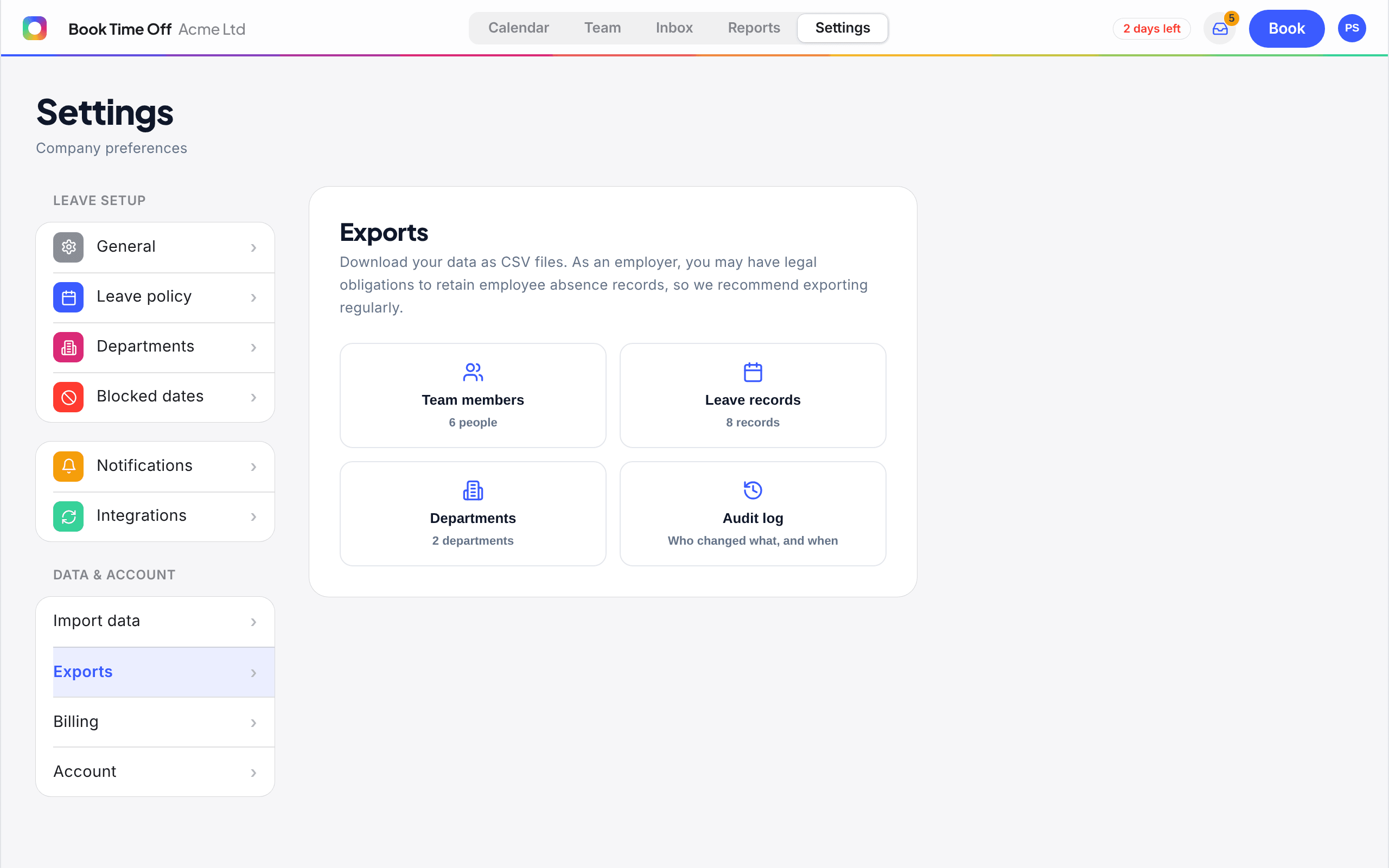
Team members gives names, emails, departments, allowance, used and remaining days. Leave records gives every request with type, dates, days and status. Departments gives each department with its manager and capacity limit. Audit log gives every change to every booking: who requested, approved, changed or cancelled it, how, and when.
Team members and Departments download straight away. Leave records and Audit log let you choose all records or a date range first, for example just October. There is also an Export button on the People page for the team list on its own.
As an employer you may have obligations to retain absence records. Exporting now and then gives you a dated snapshot you can file or hand to payroll.