The audit log

A permanent record of every change to every leave booking: who did it, how, and when.

Updated November 2026

✓
Quick answer

Every request, approval, decline, change, cancellation and deletion is recorded automatically. Owners and admins can download it as a CSV, for everything or a date range.
Find it under Settings › Exports › Audit log
Open the audit log
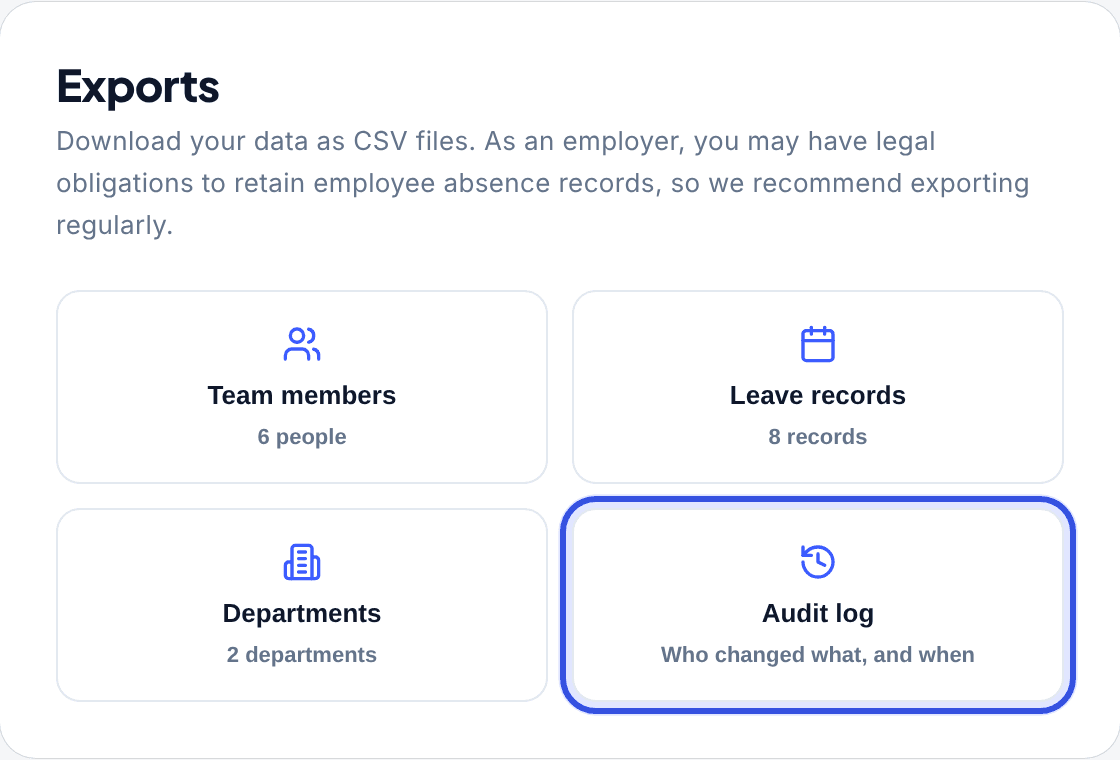
Go to Settings › Exports and choose Audit log.
The Exports screen with the Audit log button highlighted
The Audit log sits with the other exports.
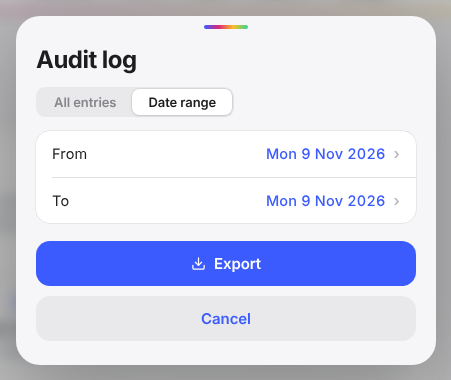
Choose everything or a date range
Pick All entries, or Date range and set From and To, then choose Export. You get a CSV file you can open in Excel or Google Sheets.
The Audit log window with All entries, Date range, From and To
Export everything, or just the dates you need.
Read the file
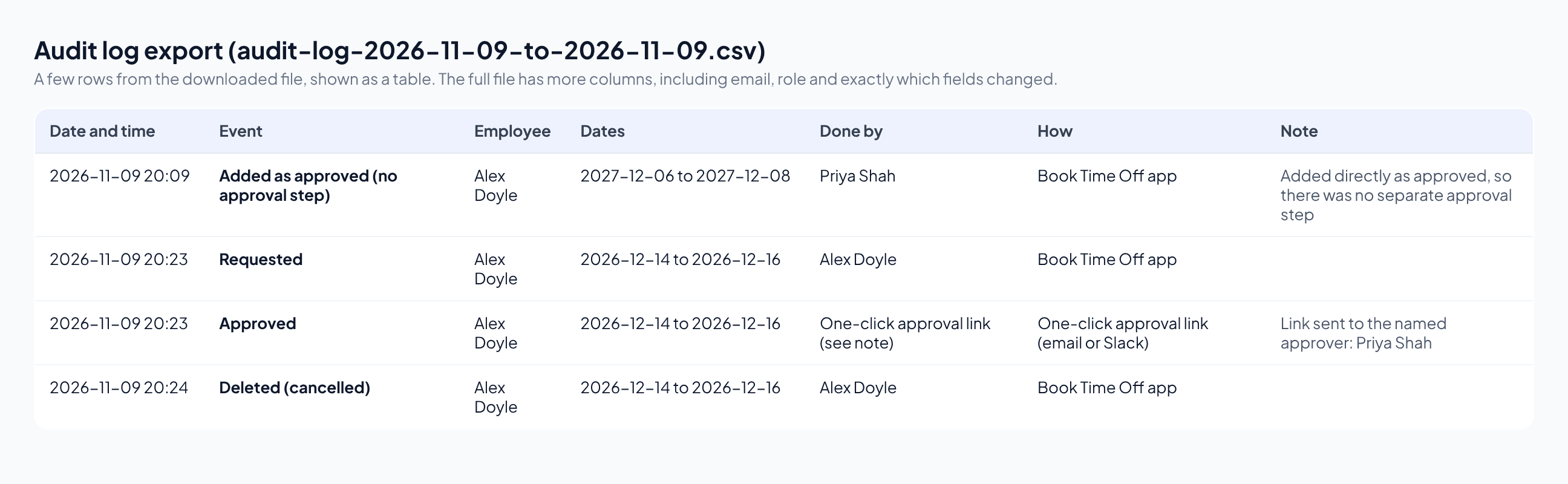
Each row is one change: the date and time, what happened, whose leave it was, the dates, who did it, how and a note. Deleted bookings stay in the file with the dates they had.
Four rows from an audit log export: added as approved, requested, approved and deleted
A few rows from an export, shown as a table. Select it to see it full size.
i
How approvals are shown

A manager approving in the app is recorded by name. An approval from the one-click link in the approval email notes who the link was sent to. Leave an admin adds with Skip approval turned on is labelled Added as approved (no approval step), so it is never mistaken for a manager’s approval.
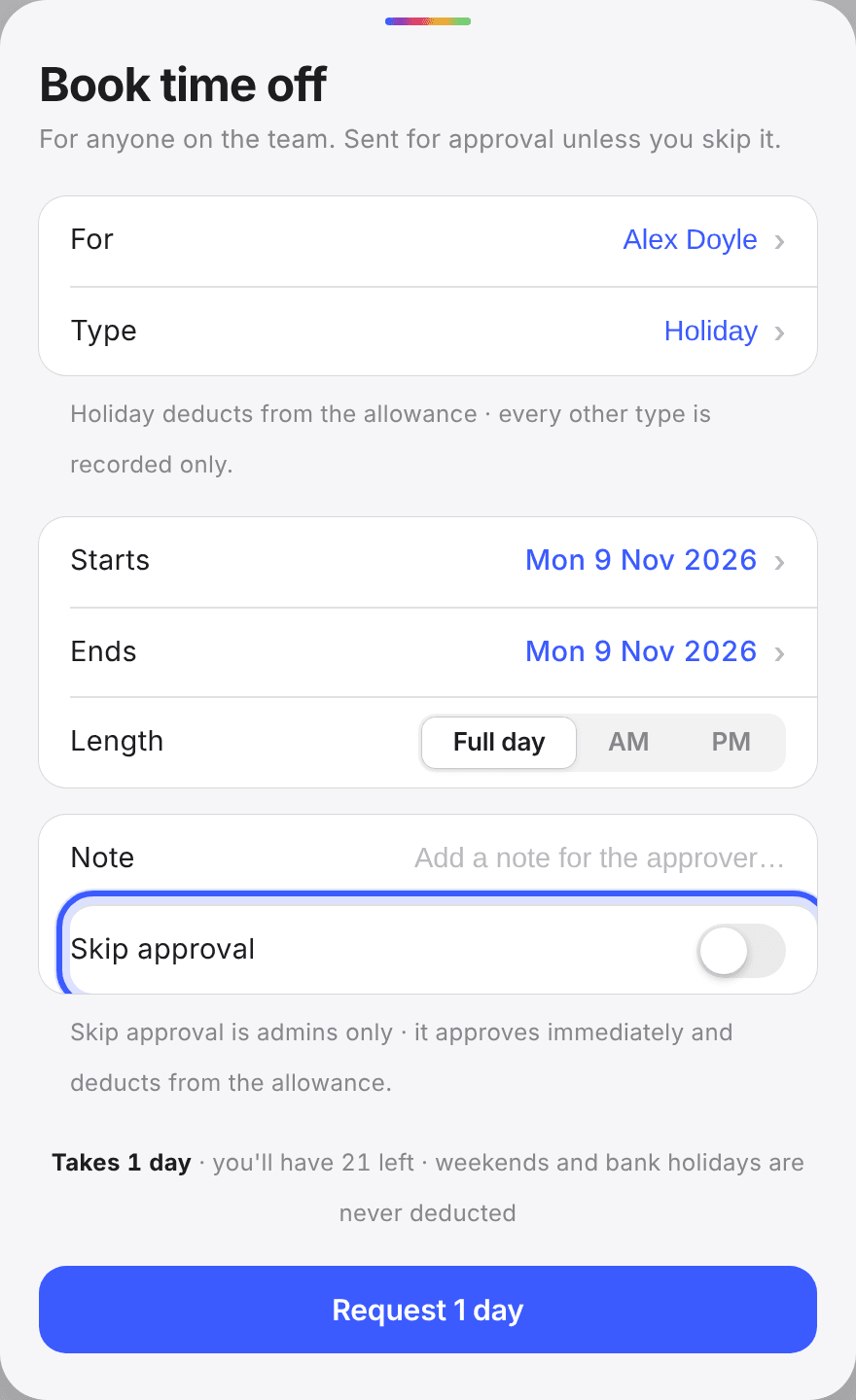
The booking window with the Skip approval switch highlighted
Skip approval is for admins, and it is always labelled in the log.
✓
Approvers hear about cancellations

When leave that was already approved is cancelled, cut short or has a day removed, the person’s approver gets an email straight away.
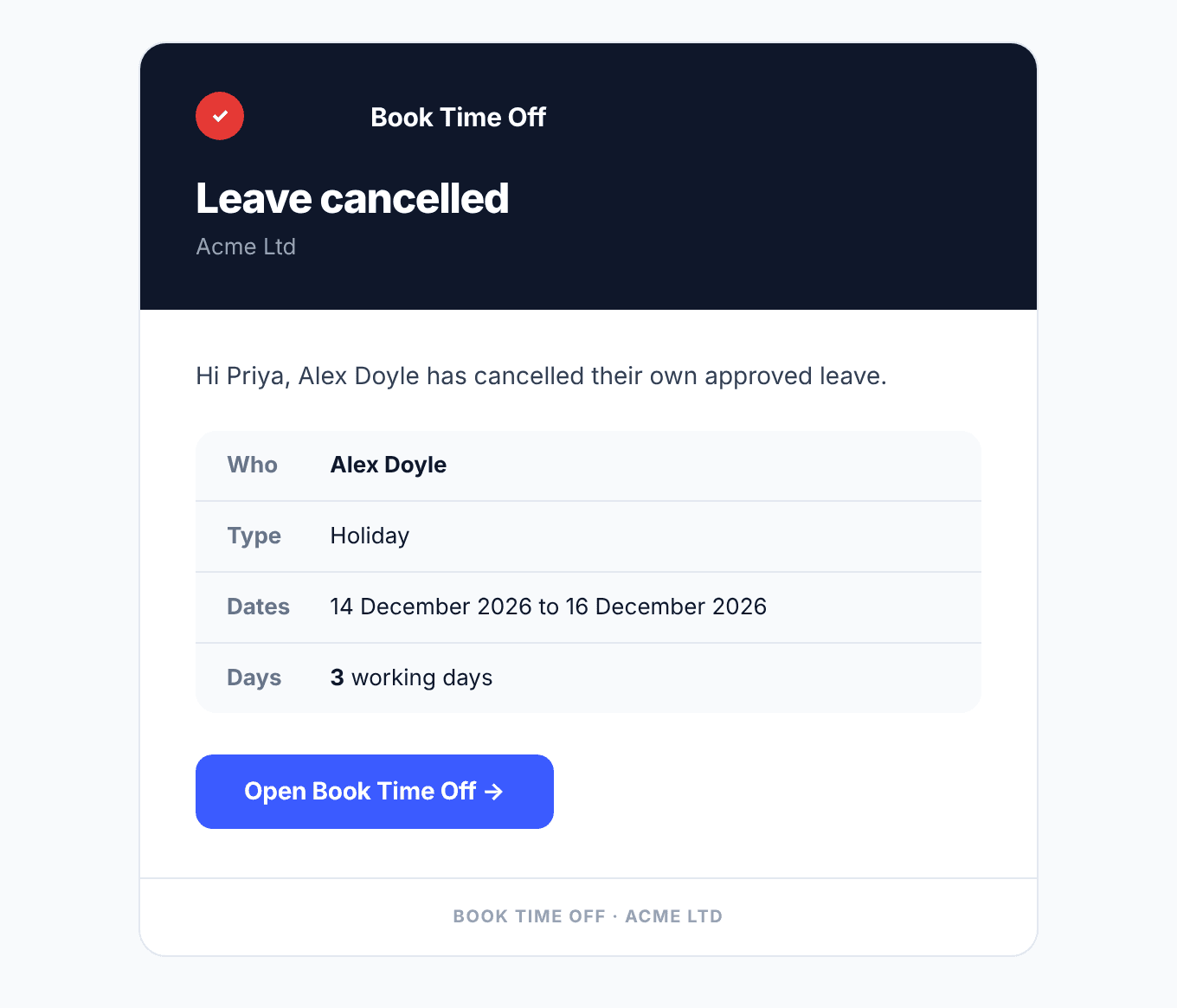
The email an approver gets when approved leave is cancelled
The email the approver gets.
i
Good to know

Only owners and admins can download the audit log, and nobody can edit or delete entries. It started on 9 November 2026: every booking that existed then has a starting entry, but earlier changes were not recorded. Entries are kept for as long as your company account exists.

£1 per user / month · 30 days free · No card required Start free trial